Overview
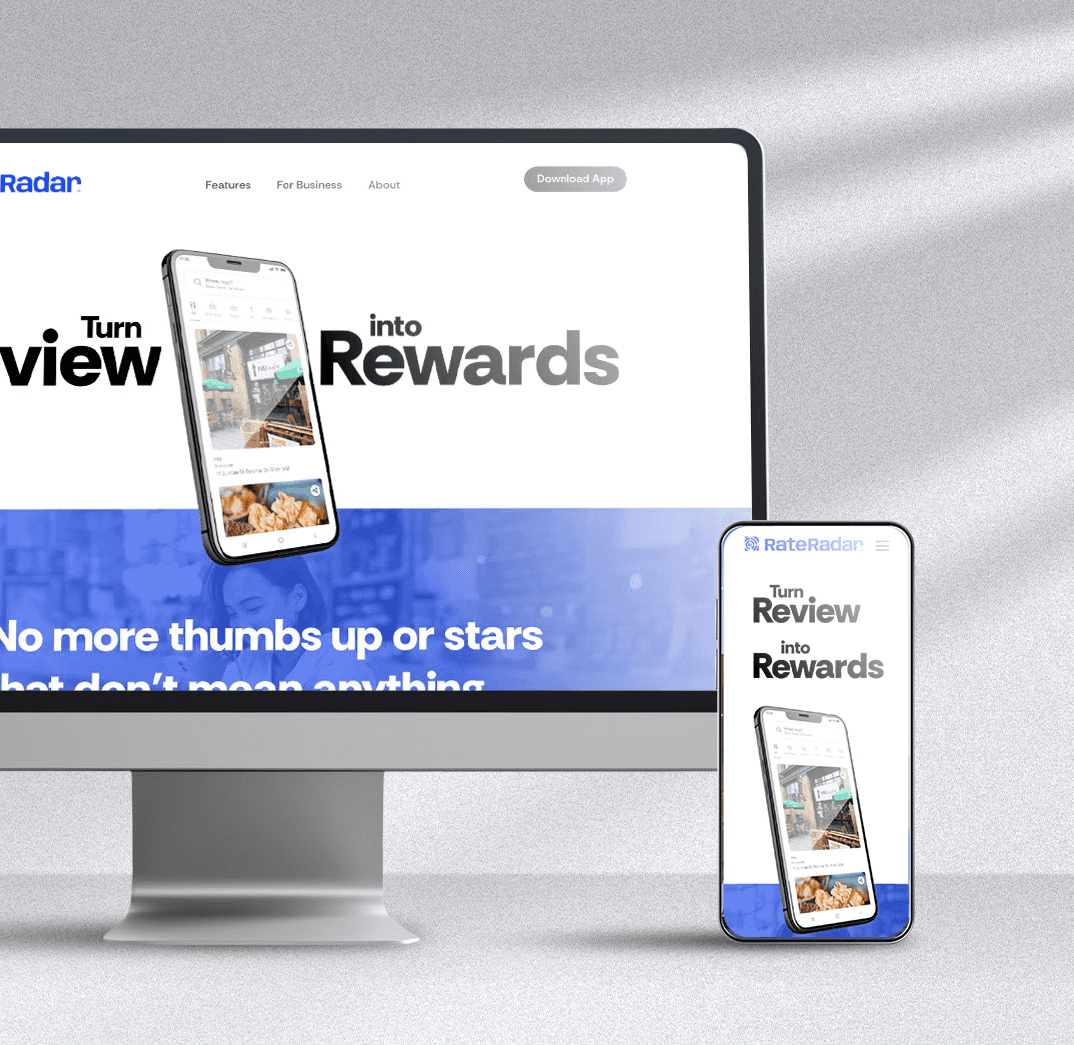
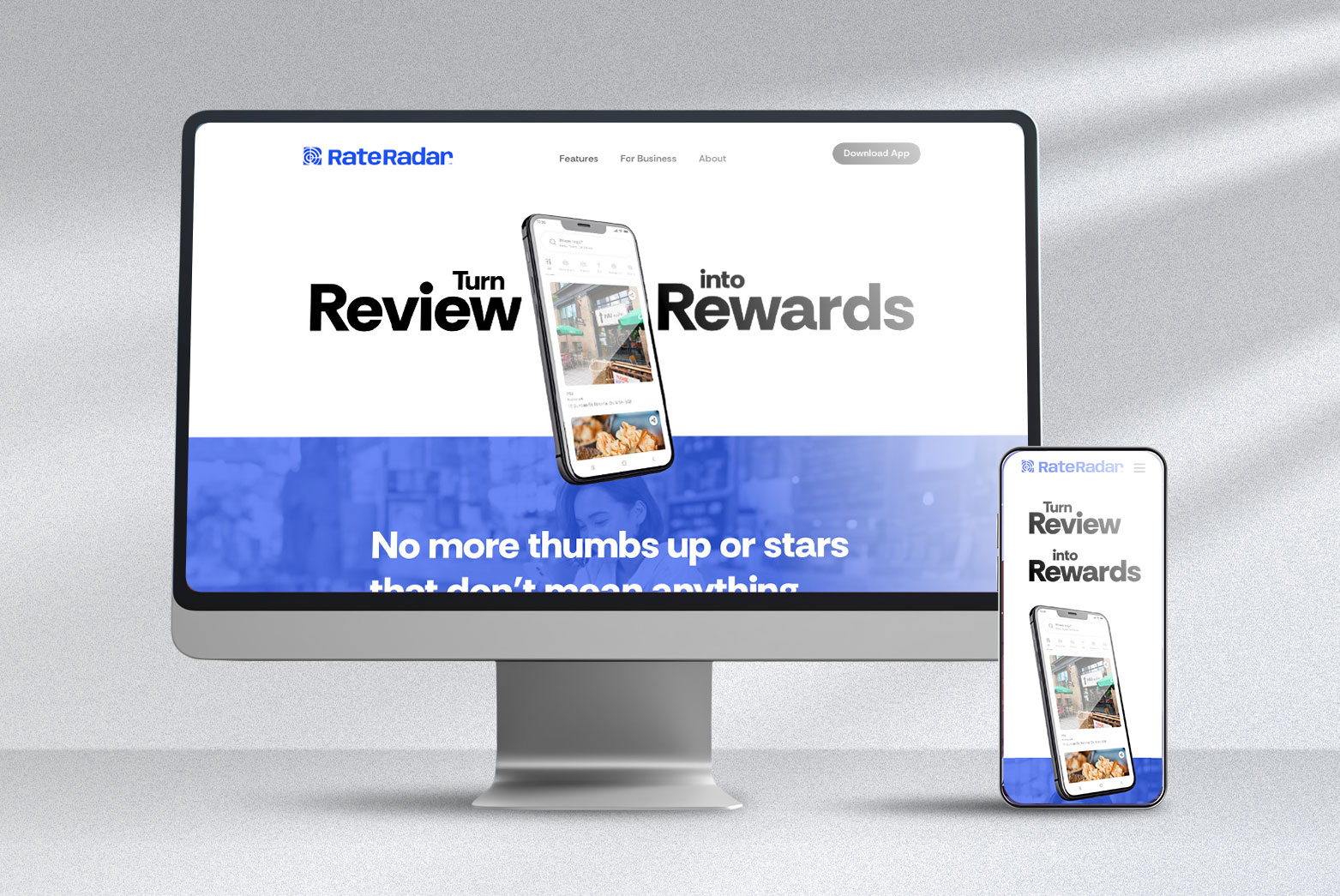
RateRadar is a new review app that rewards users with points for submitting reviews.
The client needed a simple, fast, and trustworthy website that communicates the app’s purpose at first glance — and can be launched quickly with minimal development handoff.
What I Did
Designed and built the entire website in Framer, from initial wireframes to final live deployment.
Planned the site’s information hierarchy and low-fidelity wireframes to ensure clarity and fast content scanning.
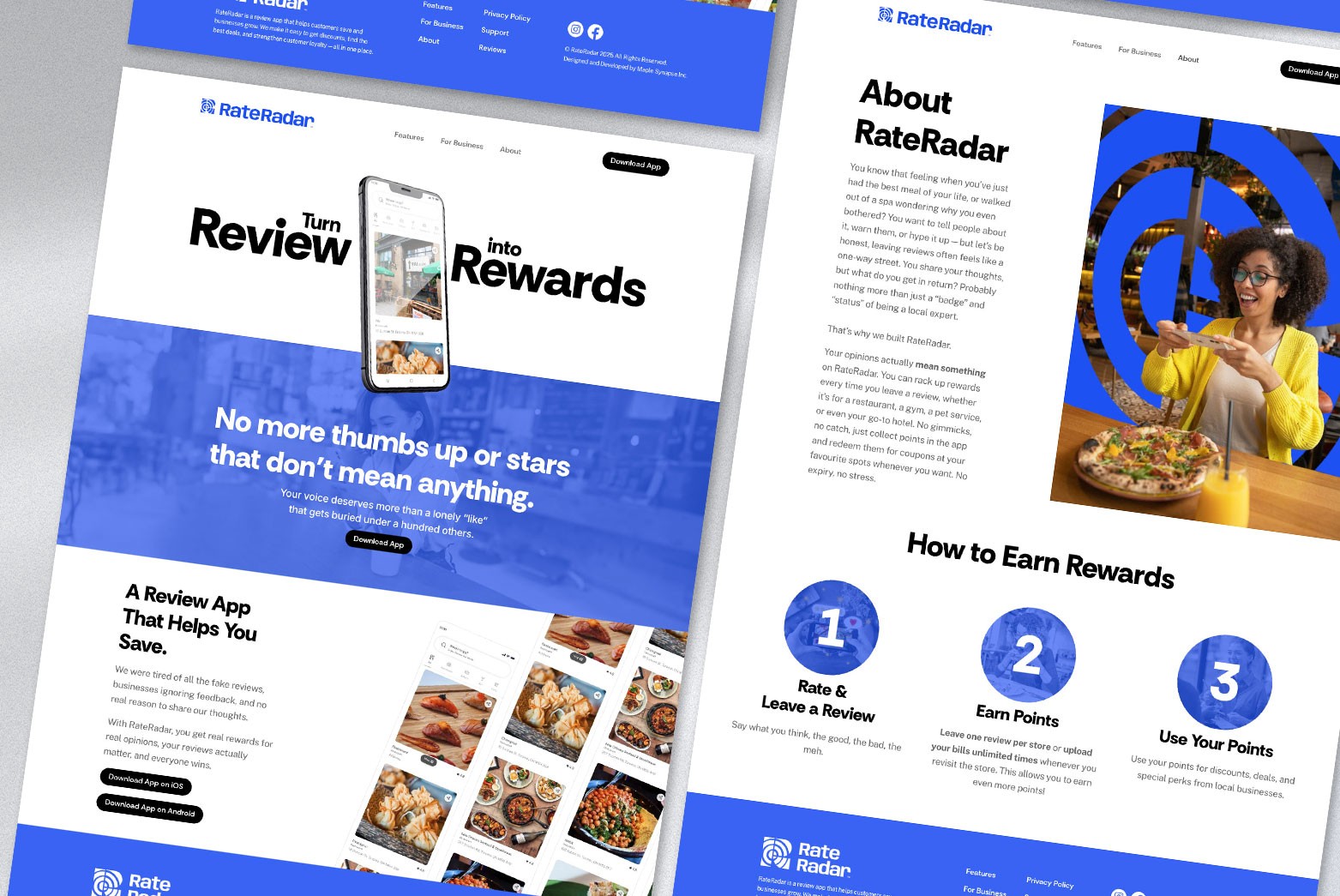
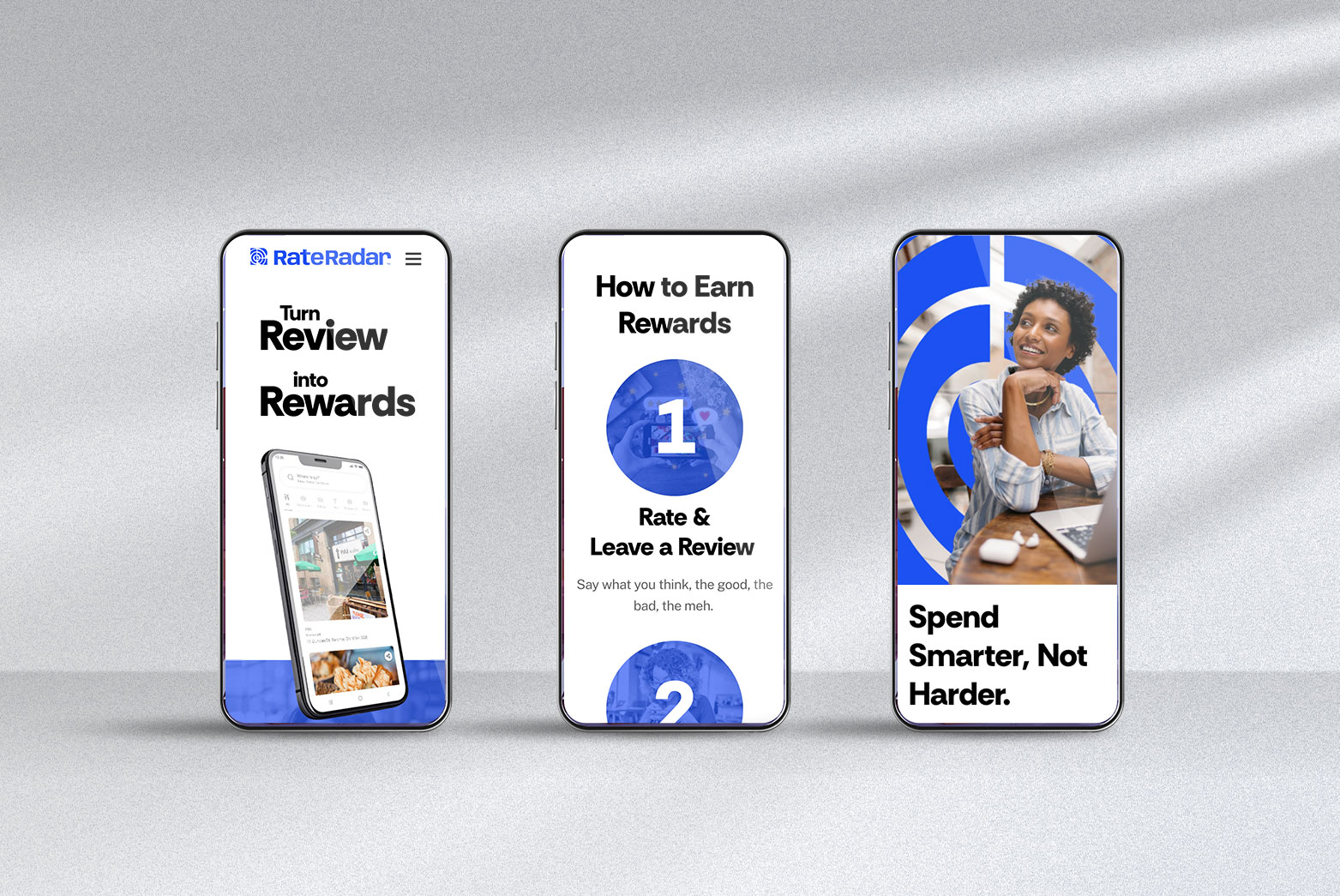
Created responsive layouts and animations directly in Framer without code, ensuring smooth transitions and adaptive performance on all screen sizes.
Conducted quick usability tests to validate clarity and flow.
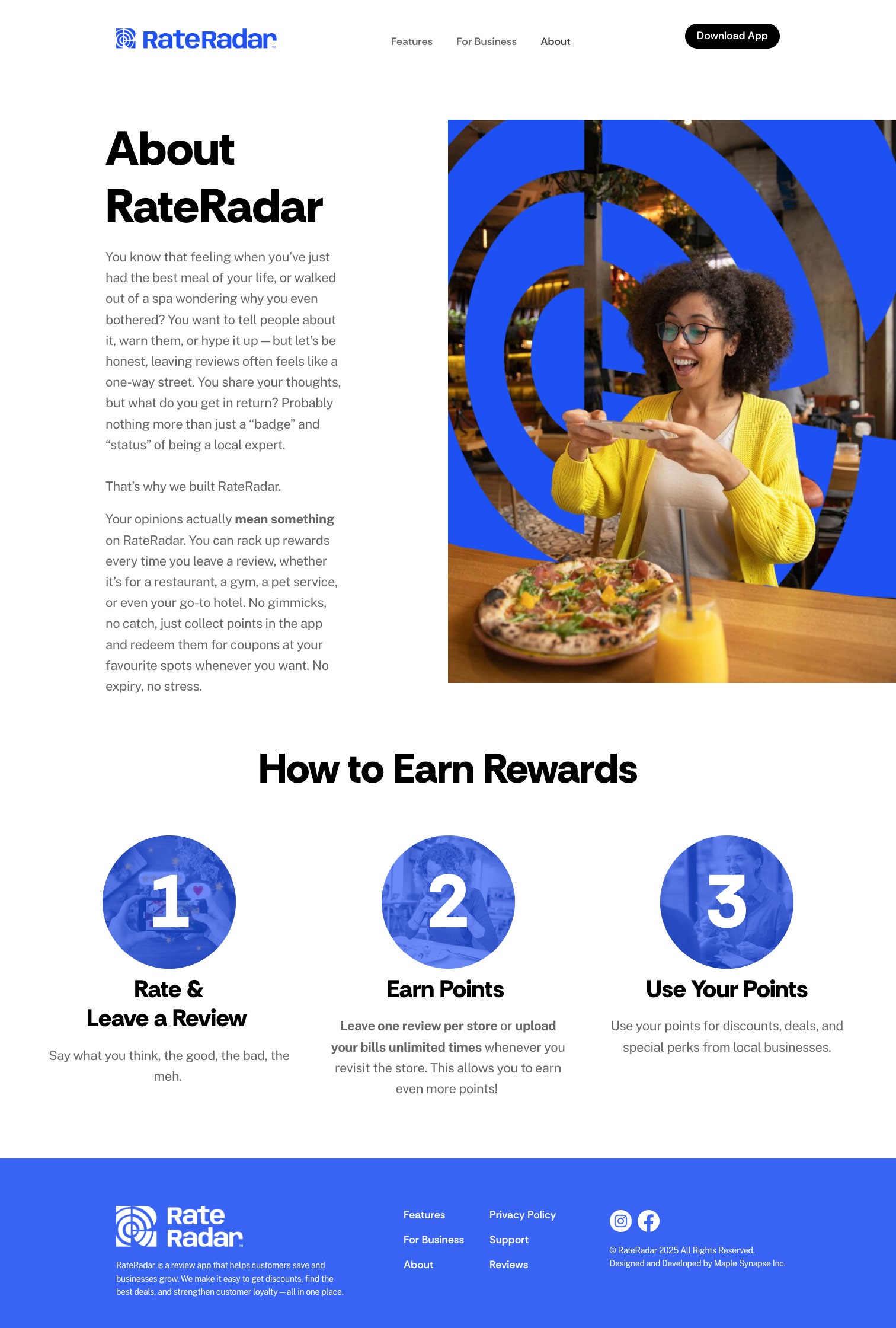
Applied brand identity (colors, typography, icons) consistently across every section.
Managed the publishing process and SEO setup, ensuring the site launched seamlessly.
The Challenge
As a new product, the biggest challenge was helping users instantly understand what RateRadar does — turning the “review-for-points” concept into a clear, credible message.
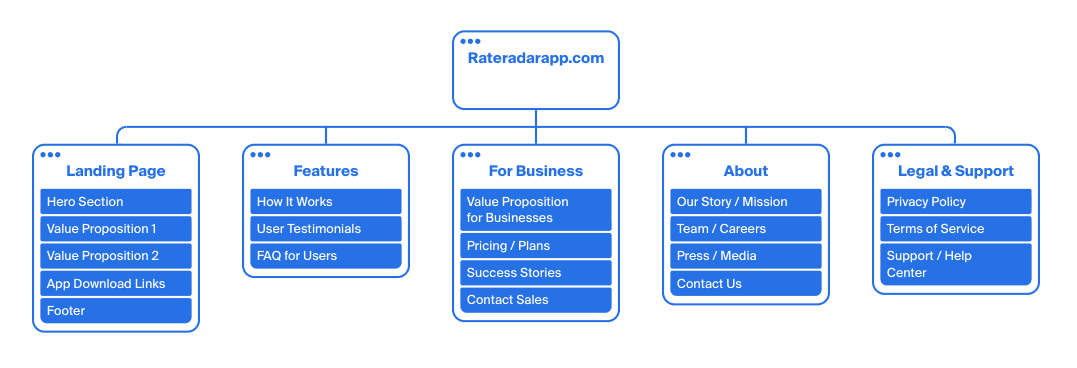
Information Architecture (IA) Strategy
I structured the RateRadar marketing website with a strategic, dual-purpose Information Architecture to guide both consumers and business owners efficiently. The IA deliberately separates the user-centric content Features detailing rewards and app mechanics from the business-focused content For Business detailing growth and pricing. This clear segmentation minimizes user effort and cognitive load, ensuring relevant information is instantly accessible via the main navigation. This structural clarity is vital for optimizing the user journey toward our key conversion goals, which are maximizing app downloads and increasing business inquiries.
Design + Build Approach
I focused on:
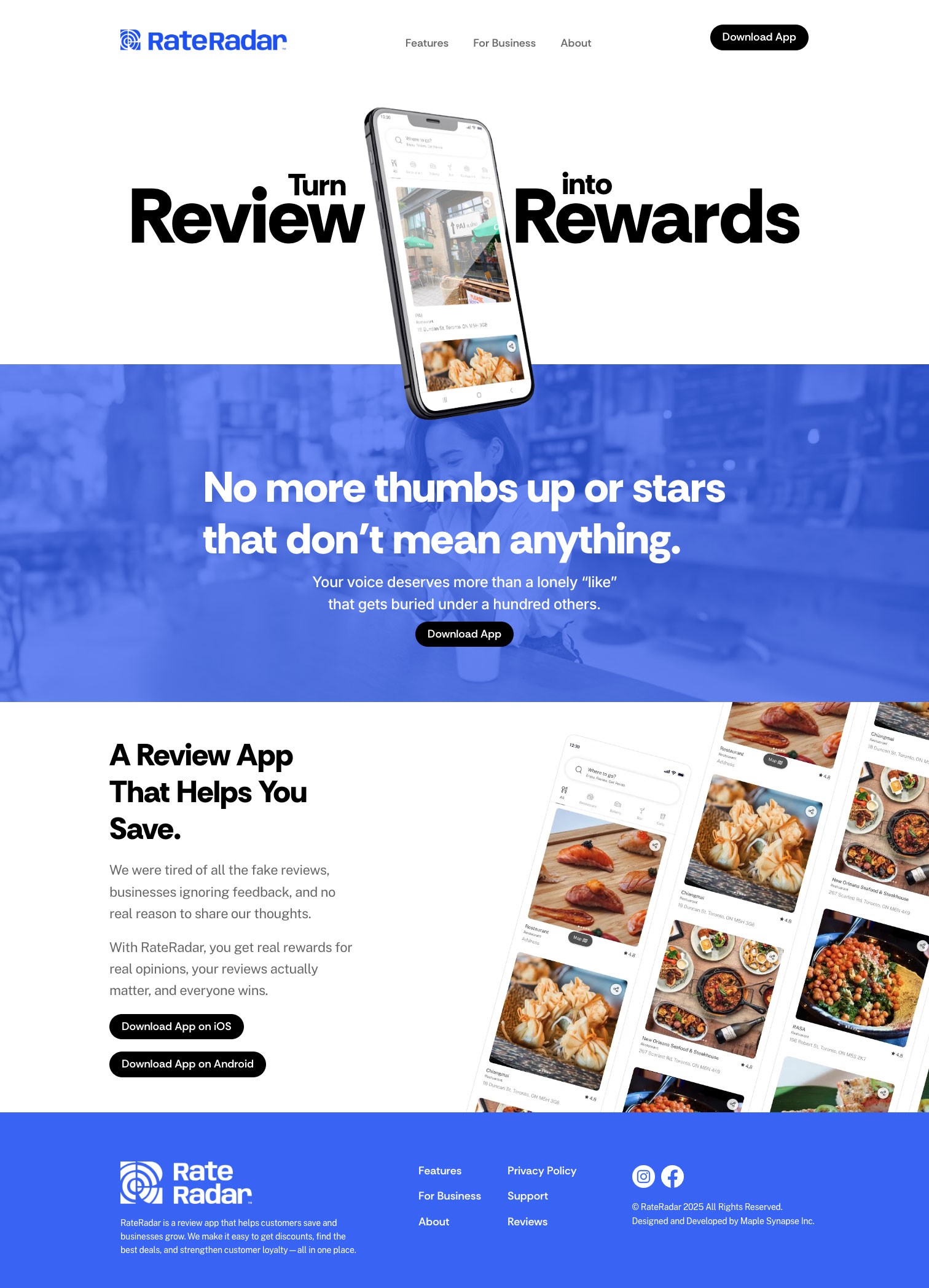
A single clear message hierarchy (“Turn Reviews into Rewards”) supported by simple, scroll-based storytelling.
Interactive prototypes directly in Framer, cutting the development time by 60%.
Brand integration: subtle gradients and shape motifs derived from the app icon to build visual cohesion.
Outcome
Users understood the app purpose within 3 seconds (up from ~10s pre-test).
Reduced scroll depth by 40% after restructuring hero + key message section.
Increased clickthrough to App Store by +25% in first week post-launch.
(Metrics based on client’s analytics and prototype testing.)
What I Learned
Building in Framer allowed me to combine design, prototyping, and real deployment in one environment — reinforcing how “design decisions affect performance and SEO in practice.”
It also strengthened my ability to think like both a designer and implementer, ensuring visual polish meets functional execution.